Sound familiar?
- Everyone uses the same software, and nobody uses it the same way.
- Files live in four places, and the "final" version depends on who you ask.
- You're rolling out a new tool and need people actually using it, past the first week.
- Handovers and client follow-ups rely on one person remembering.
A training day covers the habits along with the skills, so your whole team leaves working from the same playbook.
Build your session
What does your team need most?
Pick one topic for a half day, or two for a full day, and watch a sample session take shape. On our call we'll shape the real one around your tools and your people.
What teams come to me for
Six team problems, and the tools we fix them with.
Every session teaches the tools hands-on, and spends just as much time agreeing how your team will use them, so the habits stick after the day.
What belongs where
Files saved everywhere, duplicate versions and nobody sure what's current. We agree where each kind of file lives, set up shared spaces that make sense, and get everyone using them the same way.
Stop the email chaos
Same Outlook, different systems. We set shared conventions, rules and calendar habits so nothing slips through, whoever's on leave.
Nothing falls through the gaps
Client follow-ups, onboarding and handovers that live in one person's head. We build a visible system the whole team can see and pick up.
Build it once
Rebuilding the same documents and folders every time work starts. We make reusable templates, naming rules and a filing structure that sticks.
Meetings that lead somewhere
Too many meetings, too little follow-through. We set up agendas, shared notes and action tracking so decisions turn into work with an owner and a date.
Put AI to work
Copilot inside the programs your team already uses, notebooks for research and drafting, and simple agents for repeat jobs. Shaped around what your team actually does all day.
Just need the skills?
Skills sessions for teams who want confidence in a specific program, still built around your real work.
How it works
From first call to a team that's on the same page.
Book a training call
Tell me about your team, your tools and what's not working. We'll work out the right topics and format together.
We plan it together
You get a proposal, service agreement and invoice, then a planning session where we scope the content around your team.
Training day
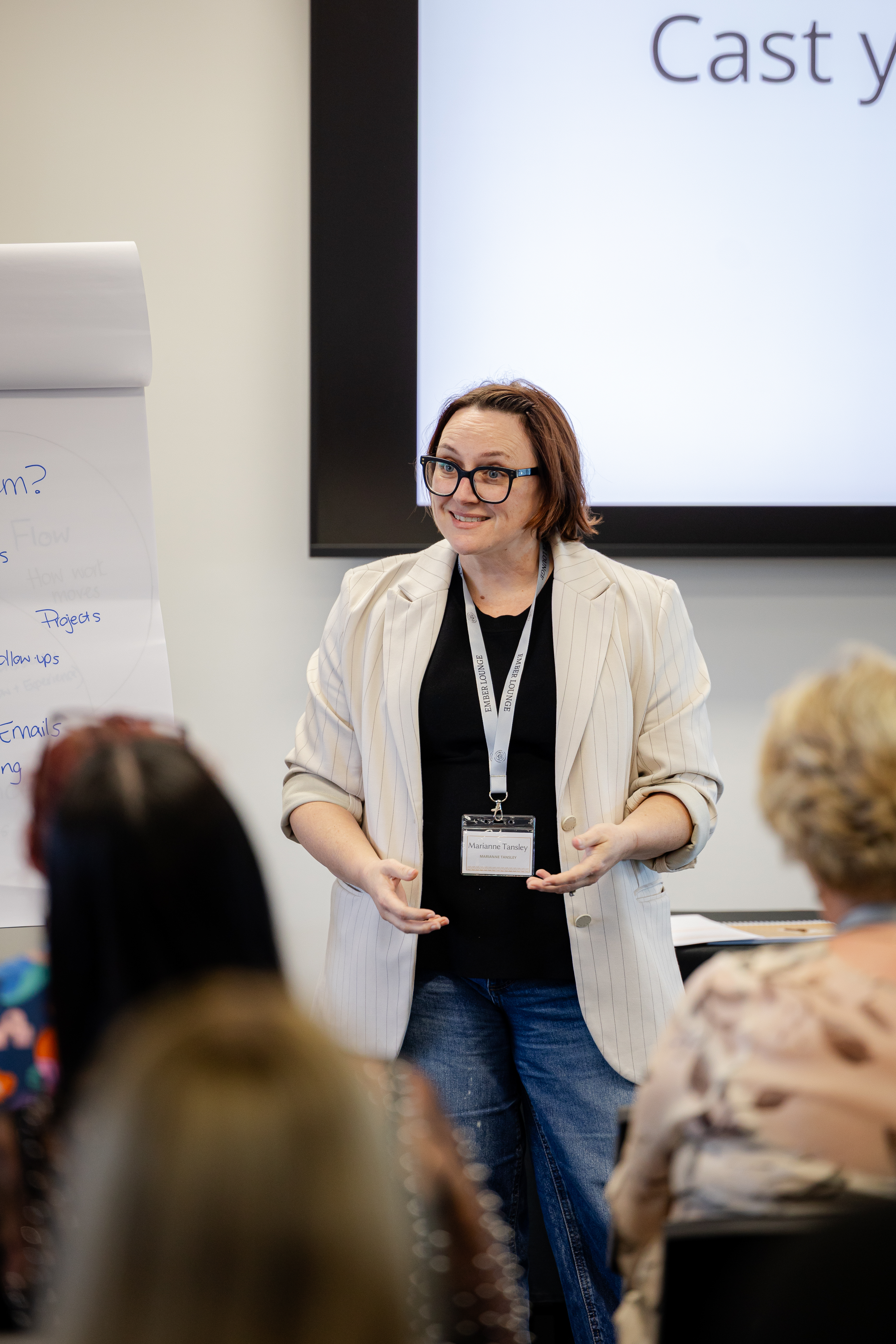
Hands-on, online or in your office, with your team practising on their own work. Everyone gets the co-branded workbook.
Keep it going
Add ongoing support in a dedicated Teams chat, so questions get answered while the new habits bed in.
Pricing
Clear prices, tailored content.
Every package includes the planning session, content built around your team, and all the materials. Up to 20 people per session.
Half day
Up to 3.5 hours. One focused topic, done properly.
Full day
Up to 7 hours. Two topics, or one in real depth.
Every session includes
- A planning session to scope the content
- Hands-on demonstrations and activities
- A custom co-branded workbook
- A PDF of slides and notes for internal use
- Onsite: my travel within Australia
Ongoing support in Teams
Your team keeps asking questions in a dedicated Teams chat with me, and gets a summary report at the end to keep.
1 month $900 · 3 months $2,100 · 6 months $3,150 inc GST
Something different?
More than 20 people, travel outside Australia, or a multi-day program: email for a quote.
Not sure what your team needs yet? Book a training call and we'll work it out together.
What teams say
Used the very next day.
“LOVED today, thank you Marianne! The engagement in the chat was gold. People love that personalised experience, and you do it so well, using people's names and understanding the context of their questions. Just beautiful.”
“Marianne's presentation was informative, engaging, and packed with practical examples. We walked away with tips we could apply straight away.”
“So helpful and easy to understand. Our members are already getting better use from their Microsoft 365 tools.”
“Marianne delivered fantastic ideas and practical solutions that our team has already started to implement. The improvements are proving to be a real asset.”
“Highly recommend Marianne for any business wanting to boost productivity without the overwhelm.”

Hi, I'm Maz.
I spent more than 20 years as the Executive Assistant everything ran through, so I know the workarounds, the "we've always done it this way" habits, and what it takes to change them. Your team gets someone who's sat in their chairs, teaching the tools through the work they actually do.
More about me →